
Free forever

No sign-up needed
Free live TV in your pocket
Your playlists, zero cost. KawaTV is a free IPTV & M3U player for Android, iOS & web — add your own M3U or Xtream playlists, save favourites, and start watching in seconds. On Android and the web, thousands of free-to-air channels come built in.



Available on iOS, Android & the web
Up and running in under a minute
No sign-up — sign in with one tap, add your playlist and start watching
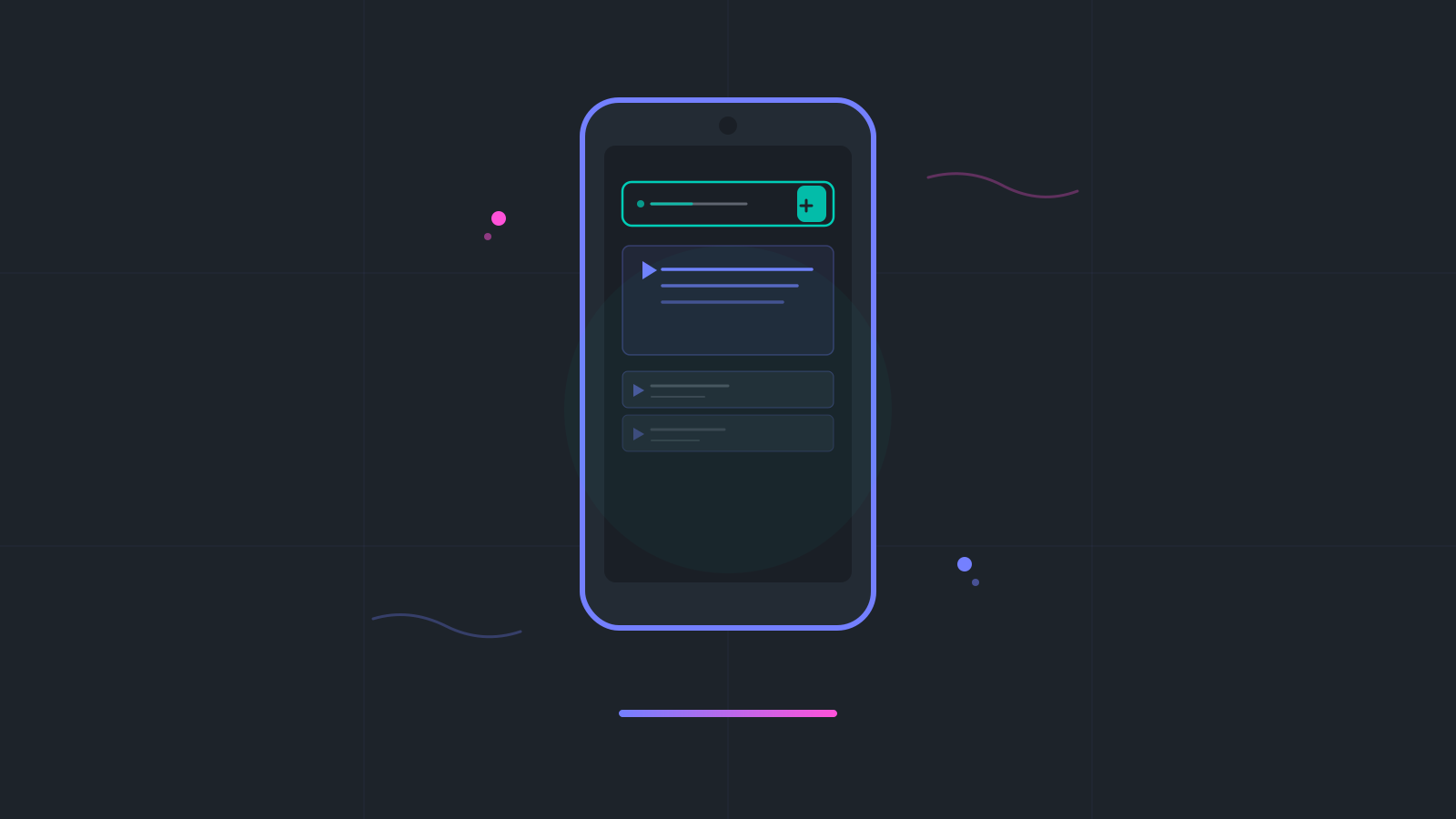
Add your playlist
Sign in with one tap, paste an M3U link or your Xtream server and login, then tap refresh to load your channels.
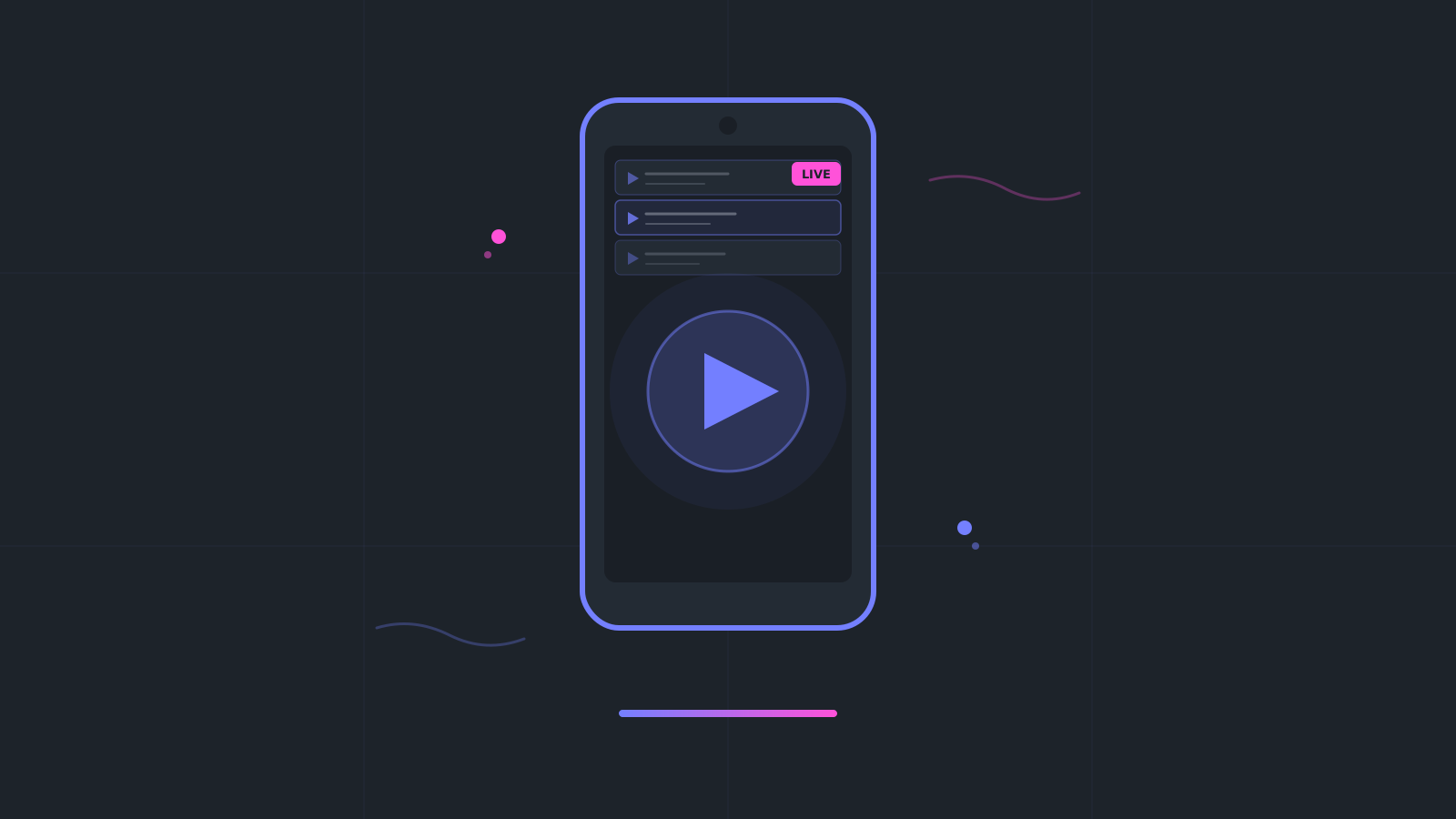
Watch live channels
Tap any channel for instant playback — KawaTV handles every major stream format out of the box.
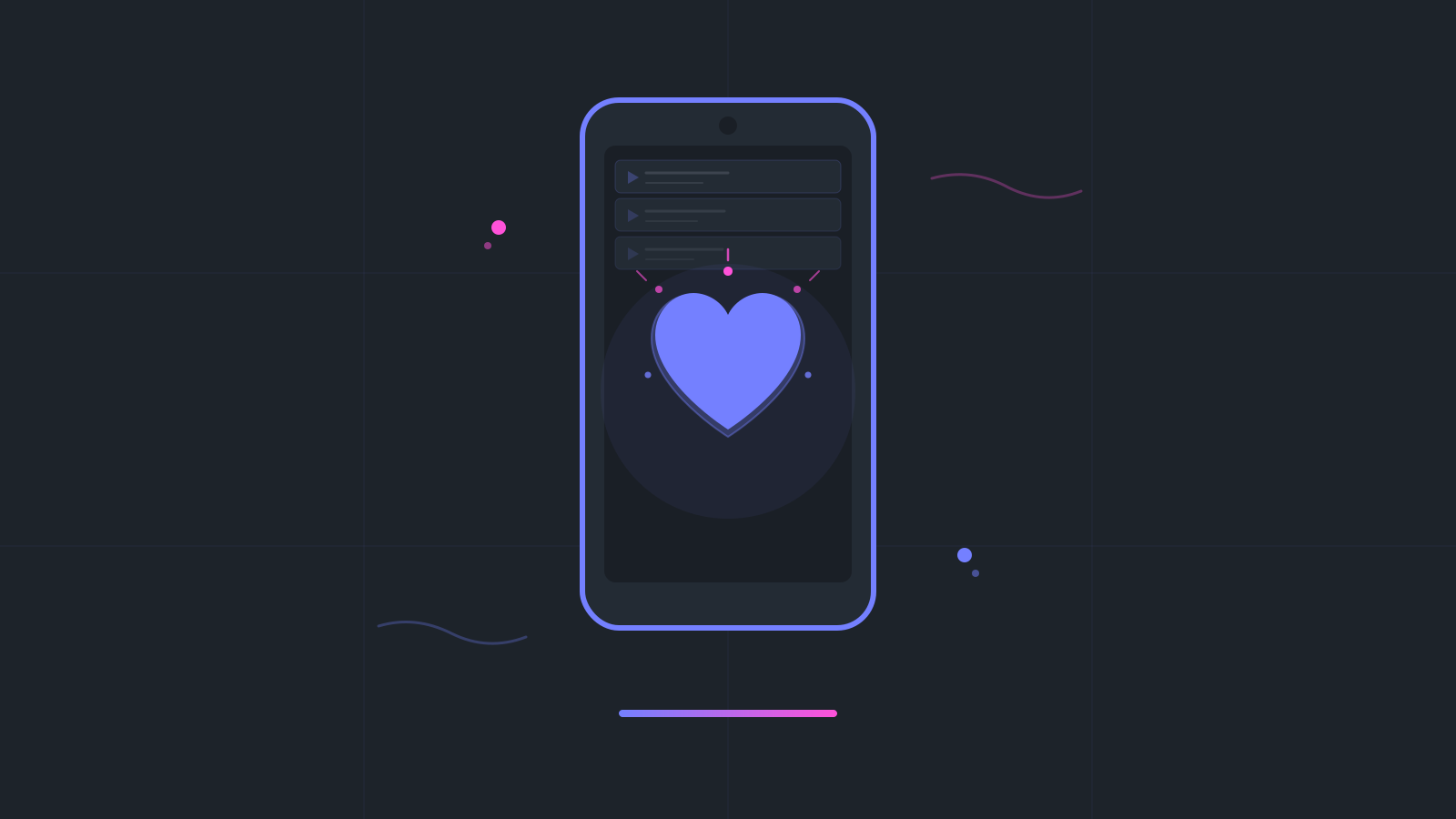
Save your favourites
Tap the heart on any channel you love to find it again in the Favourites row on your Home screen.
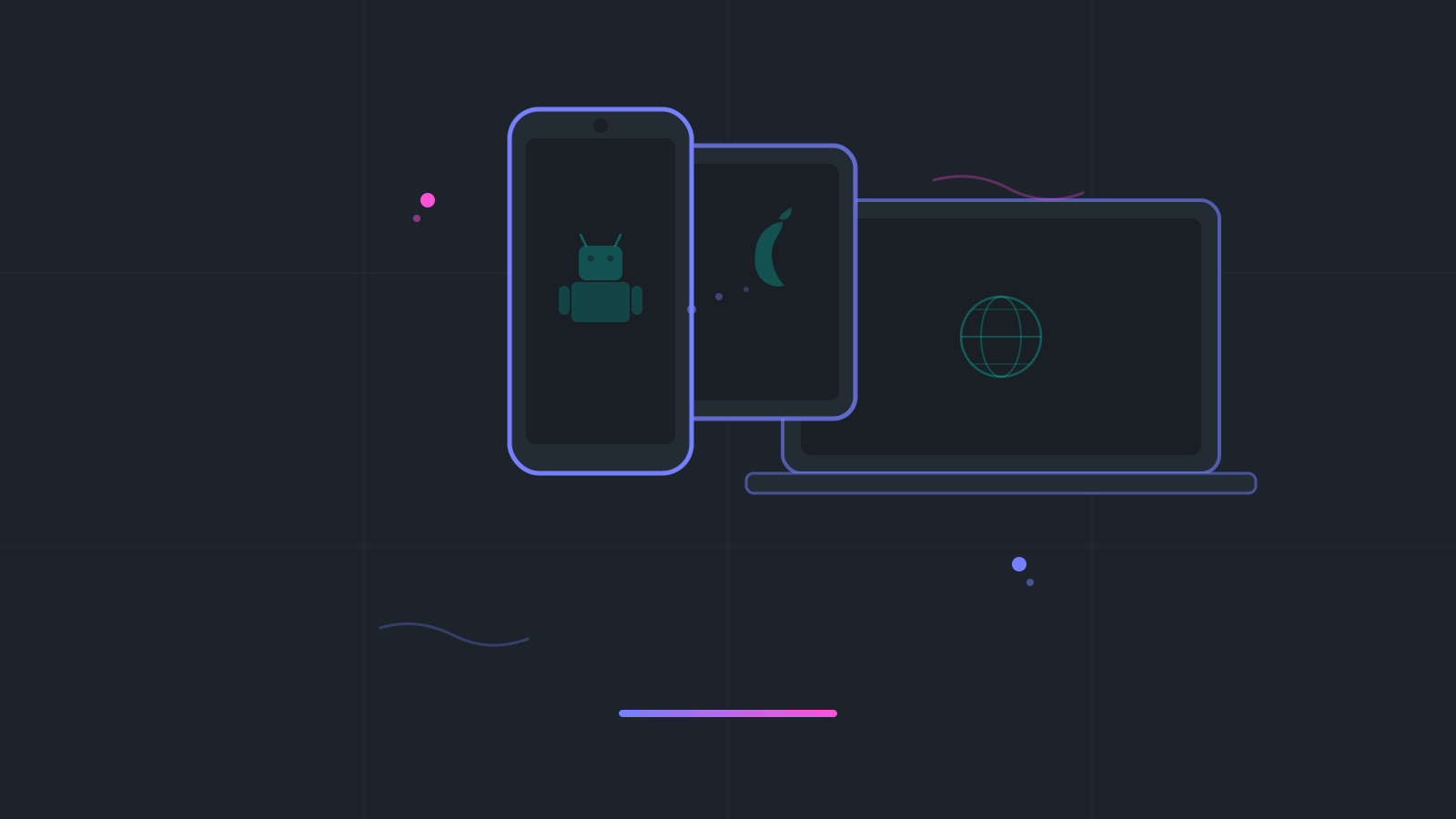
Use across your devices
KawaTV is available on Android, iOS, and web — install it on all your devices.
Frequently Asked Questions
Yes — KawaTV is completely free to download and use. There is no paid tier, no subscription, and no in-app purchases. The app and all its features are free forever.
KawaTV itself contains no ads. Some channels — in playlists you add, or in the free-to-air catalogue built into the Android and web apps — may carry their own broadcast advertisements (just like regular TV), but KawaTV does not inject or sell ads of any kind.
IPTV (Internet Protocol Television) delivers live TV streams over the internet instead of cable or satellite. KawaTV plays the M3U and Xtream playlists you add — and, on Android and web, a built-in catalogue of publicly available free-to-air channels — without a set-top box or antenna.
Tap the install button for your platform — it opens the right store or web app for your device. The Google Play badge uses a standard Play Store deep link that opens the Play Store app directly; if the Play Store app is not installed, it falls back to the browser listing automatically.
Open KawaTV and tap Sign in Anonymously — no email or password needed. Go to Settings → Playlists and tap the + button. Enter a Playlist Name and paste your link into Playlist URL (it must start with http:// or https://). For Xtream, paste your provider's get.php M3U link, or put the server address (such as http://host:port) in Playlist URL and fill in Username and Password. Tap Save, then tap the refresh button on the playlist to load its channels — saving alone doesn't load them, and playlists don't refresh automatically, so tap refresh again whenever your list changes. Then go to Home → My Playlists, tap your playlist and tap a channel to play. The playlist must be at a link reachable from the internet: KawaTV can't import files from your device, and links that only work on your home network won't load.
While a channel is playing, tap the heart next to its name — it then appears in the Favourites row on your Home screen. Your playlists and favourites are saved to your KawaTV account. To use them on another phone, tablet or in the browser, link an email in Settings → Account, then sign in with that email (Send OTP) on the other device.
Watch more. Do less.
Play your own M3U and Xtream playlists on your phone, tablet, and the web. No sign-up, no email or password, no subscription — one tap to sign in and start watching.